What Is Clash Verge Rev? GitHub, Download & Migration
Many people searching “Clash Verge Rev” can’t quite tell how it relates to “Clash Verge”. This is a one-stop explainer plus migration guide. If you only want to download and install the …
ReadAdd Custom Rules in Clash Verge Rev: YAML & prepend-rules
If you searched for “Clash Verge add rules” or “custom rules”, you’ve probably hit the same trap as everyone else: you edited the config file, added your rules — and they all vanished after …
Read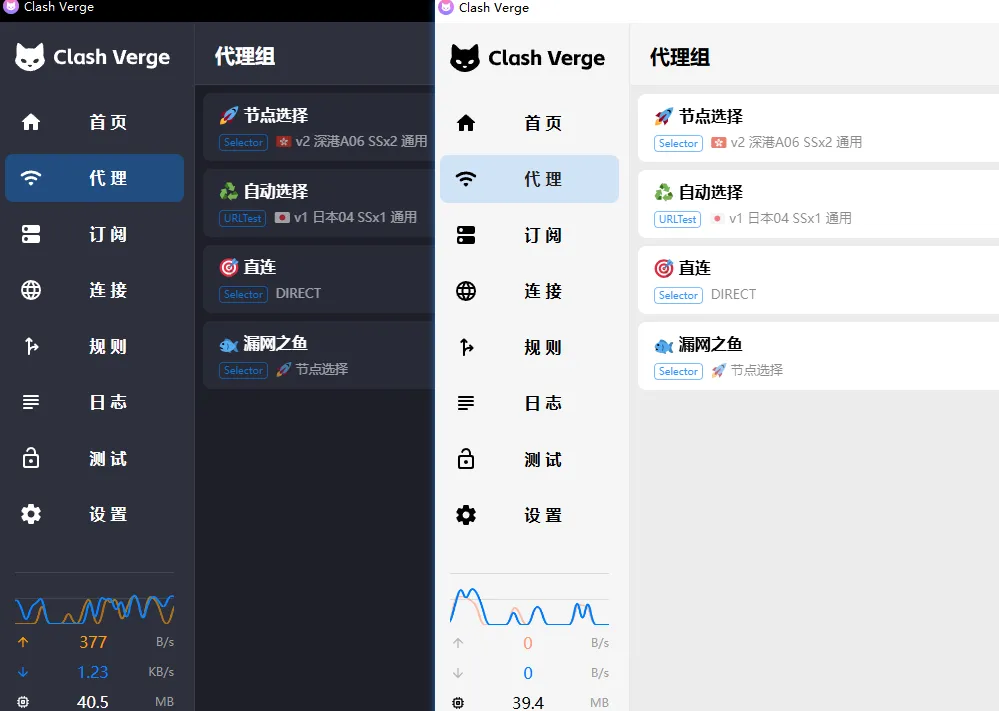
Clash Verge Themes & UI Customization: Dark Mode, Theme Color, Custom CSS
Clash Verge Rev’s interface is customizable: from a simple dark mode and theme color, all the way to custom CSS for fonts, colors and hiding elements. Here it is in order of effort. This follows Clash Verge Rev …
ReadClash Verge TUN Mode: Setup, Service Mode and No Internet Fix
“How to set up TUN mode” is one of the most common Clash Verge questions. In one line: TUN mode routes your entire computer’s traffic through the proxy, including apps that ignore the system proxy. …
Readsystem_proxy_bypass in verge.yaml: Format & Examples
If you searched for Clash Verge system_proxy_bypass, verge.yaml format or Global Extended Configuration, you most likely want to change one setting for all subscriptions at once. This guide shows the YAML location, the …
ReadClash Verge Advanced Config: DNS, Chain Proxy, Ports, Lite Mode, Auto-Test, Blocking
This page is a quick reference for Clash Verge’s advanced settings: DNS, chain proxy, ports, node protocols, Lite Mode, auto-test, and domain blocking. For the basics (adding rules, the override mechanism) pair it …
ReadClash Verge on Linux: Install & Configure (Ubuntu / Debian / Fedora / Arch)
“How to configure Clash Verge on Linux” is a common question. This guide covers installation per distro, then first-time setup and the Linux-specific gotchas (TUN authorization, GNOME tray). On Linux today …
ReadClash Verge Official Website and GitHub: Safe Download Sources
If you searched for the Clash Verge official website, the most important distinction is this: The authoritative project source is the Clash Verge Rev GitHub repository. This website is an independent community guide and …
ReadClash Verge Rev Download & Setup Guide (Windows, Mac, Linux)
Clash Verge Rev is the maintained desktop client for Windows, macOS and Linux. This independent guide helps you download the current v2.5.2 release from the official GitHub project, import a subscription, select a node, …
ReadClash Verge Rev v2.5.2 Download for Windows, macOS and Linux
This page provides verified Clash Verge Rev v2.5.2 downloads for Windows, macOS and Linux. The authoritative source is the official GitHub Releases page; the accelerated links below point to the same release assets. …
ReadRelated articles
- Clash Verge Rev v2.5.2 Download for Windows, macOS and Linux
- Clash Verge Rev Download & Setup Guide (Windows, Mac, Linux)
- Clash Verge Official Website and GitHub: Safe Download Sources
- system_proxy_bypass in verge.yaml: Format & Examples
- Clash Verge TUN Mode: Setup, Service Mode and No Internet Fix
- Add Custom Rules in Clash Verge Rev: YAML & prepend-rules