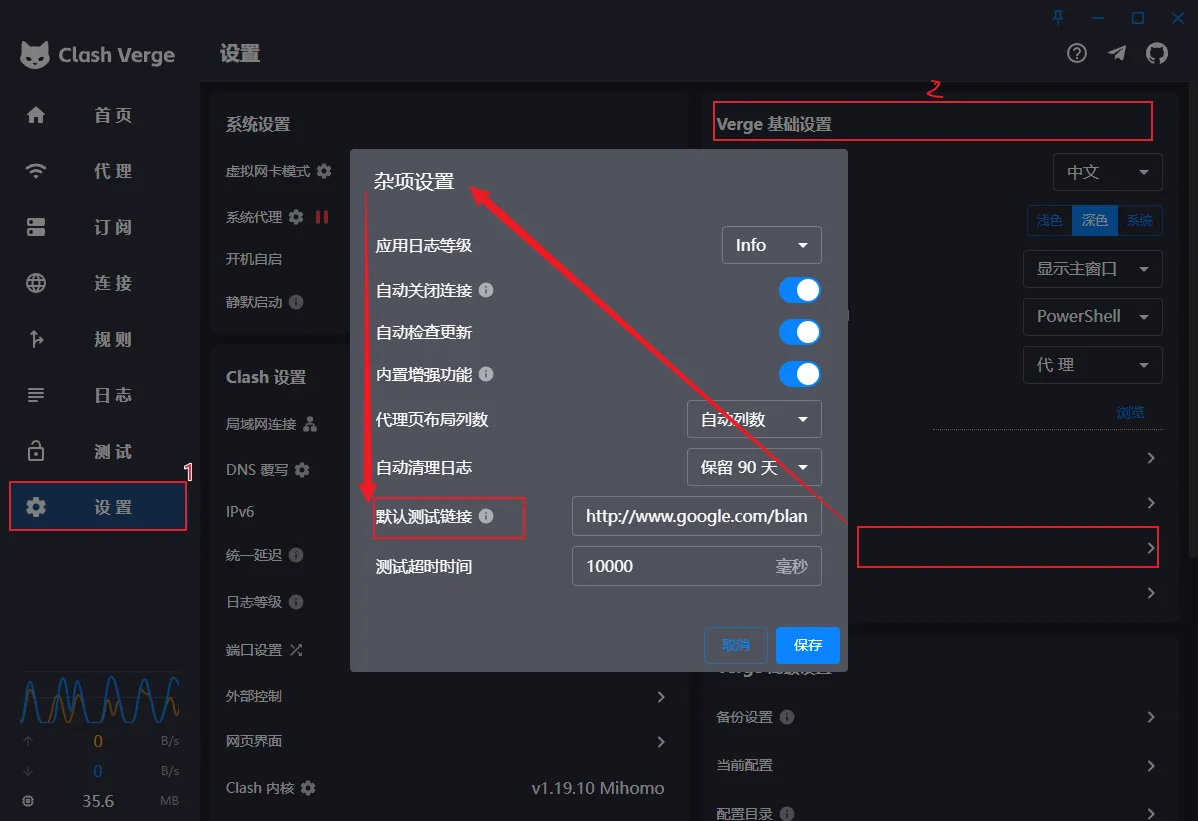
Clash Verge 204 Test URLs for Node Latency Measurement
Test URL for Clash Verge This page provides test URLs for checking Clash Verge proxy connectivity. Test URLs The following URLs return HTTP 204 status code and can be used to test proxy connectivity: …
ReadRelated articles
Tags
204 test url1
best clash for windows alternatives 20261
clash for windows1
clash meta for android1
clash party2
clash verge8
clash verge add rules1
clash verge alternatives1
clash verge android1
clash verge apk1
clash verge chain proxy1
clash verge config2
clash verge css1
clash verge custom rules1
clash verge customization1
clash verge dns1
clash verge download1
clash verge extended configuration1
clash verge faq1
clash verge github1
clash verge global extended configuration1
clash verge install1
clash verge linux1
clash verge node config1
clash verge official1
clash verge override1
clash verge rev10
clash verge rules1
clash verge service mode1
clash verge theme1
clash verge tun1
clash verge tun mode1
clash verge tutorial1
clash verge ubuntu1
clashx2
flclash1
linux client1
linux proxy1
macos client1
mihomo8
mihomo party1
node latency1
proxy1
proxy client6
shadowsocks2
software download1
trojan1
troubleshooting1
url-test1
v2ray1
v2rayn1
windows client1
windows proxy1